
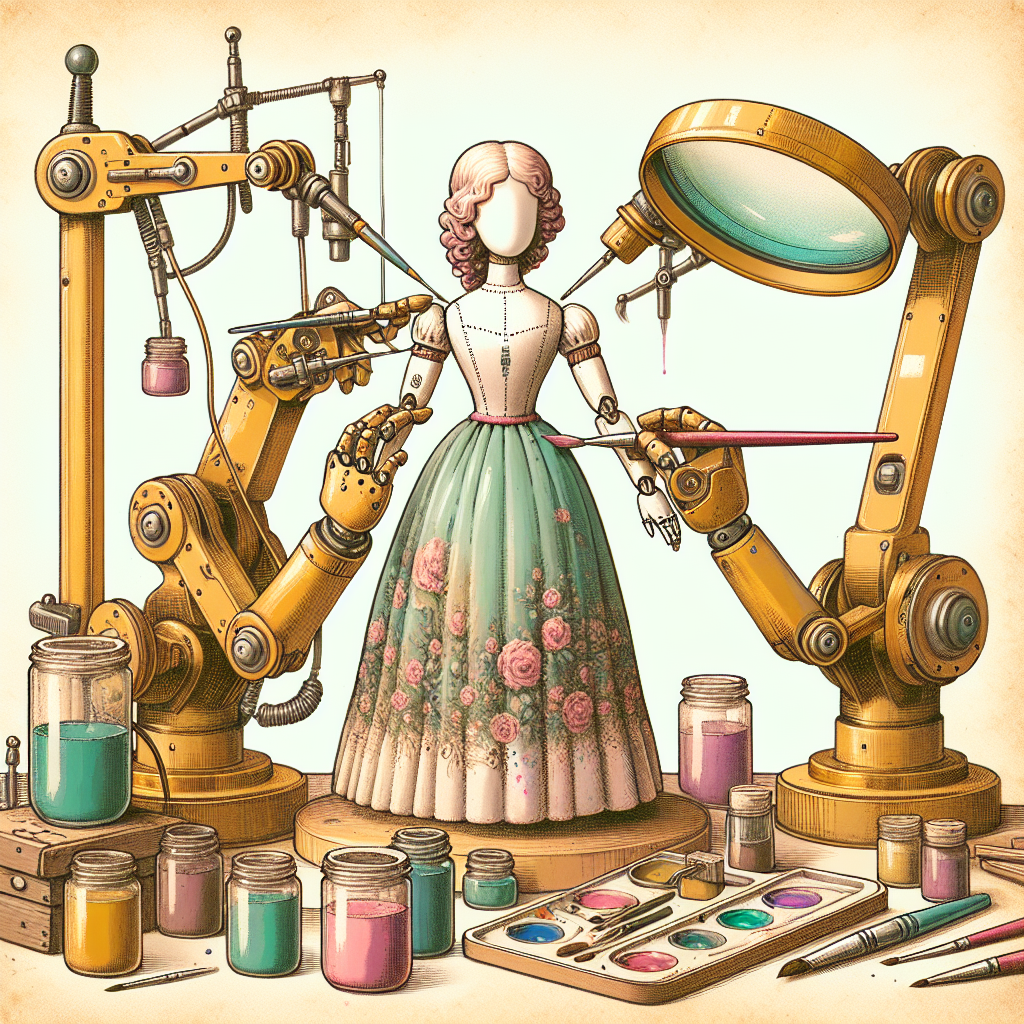
Portrait retouching can transform a good photo into a stunning one, but it's surprisingly easy to cross the line from enhancement to artificial-looking results. Knowing what mistakes to avoid is just as important as knowing the techniques themselves.
The Over-Smoothing Trap
The most common mistake in portrait retouching is excessive skin smoothing. When you remove every trace of skin texture, the result looks plastic and unnatural. Real skin has pores, subtle lines, and natural texture variations that give it life and authenticity.
Modern AI retouching tools like COMBb2's portrait retoucher are designed to preserve natural skin texture while reducing blemishes and imperfections. The AI understands the difference between temporary issues and natural features that should be preserved.
Ignoring Color Consistency
Another frequent error is creating color mismatches between retouched and untouched areas. This happens when you lighten under-eye circles without considering the overall color temperature of the skin. Pay special attention to the transition zones around your edits.
Over-Whitening Teeth and Eyes
Bright white teeth and unnaturally vivid eyes might seem appealing, but they often look fake. Real teeth have subtle color variations and aren't pure white. When enhancing teeth, aim for a natural ivory shade rather than stark white.
Removing Too Much Character
Every face tells a story, and sometimes photographers erase too much of that narrative. Laugh lines, crow's feet, and other expression lines often contribute to a person's character and shouldn't be completely removed.
A good rule of thumb: if it's been there for years and contributes to their smile or expressions, consider keeping it or only softening it slightly.
Forgetting About Resolution and Detail
Heavy retouching on high-resolution images can create problems when viewed at full size. Always work at the full resolution and zoom in to check fine details. Look for repeated patterns, unnatural blur boundaries, or areas where skin texture suddenly disappears.
Tips for Natural-Looking Results
- Work in good lighting conditions and use a calibrated monitor when possible
- Take frequent breaks to maintain objectivity about your edits
- Compare your retouched version with the original regularly
- When in doubt, err on the side of subtlety
Conclusion
Great portrait retouching enhances natural beauty without creating an artificial appearance. By avoiding over-smoothing, maintaining color consistency, and preserving character features, you'll create portraits that look polished yet authentic. The best retouching work is often invisible.
Try it yourself
Free, private, runs in your browser. No sign-up required.